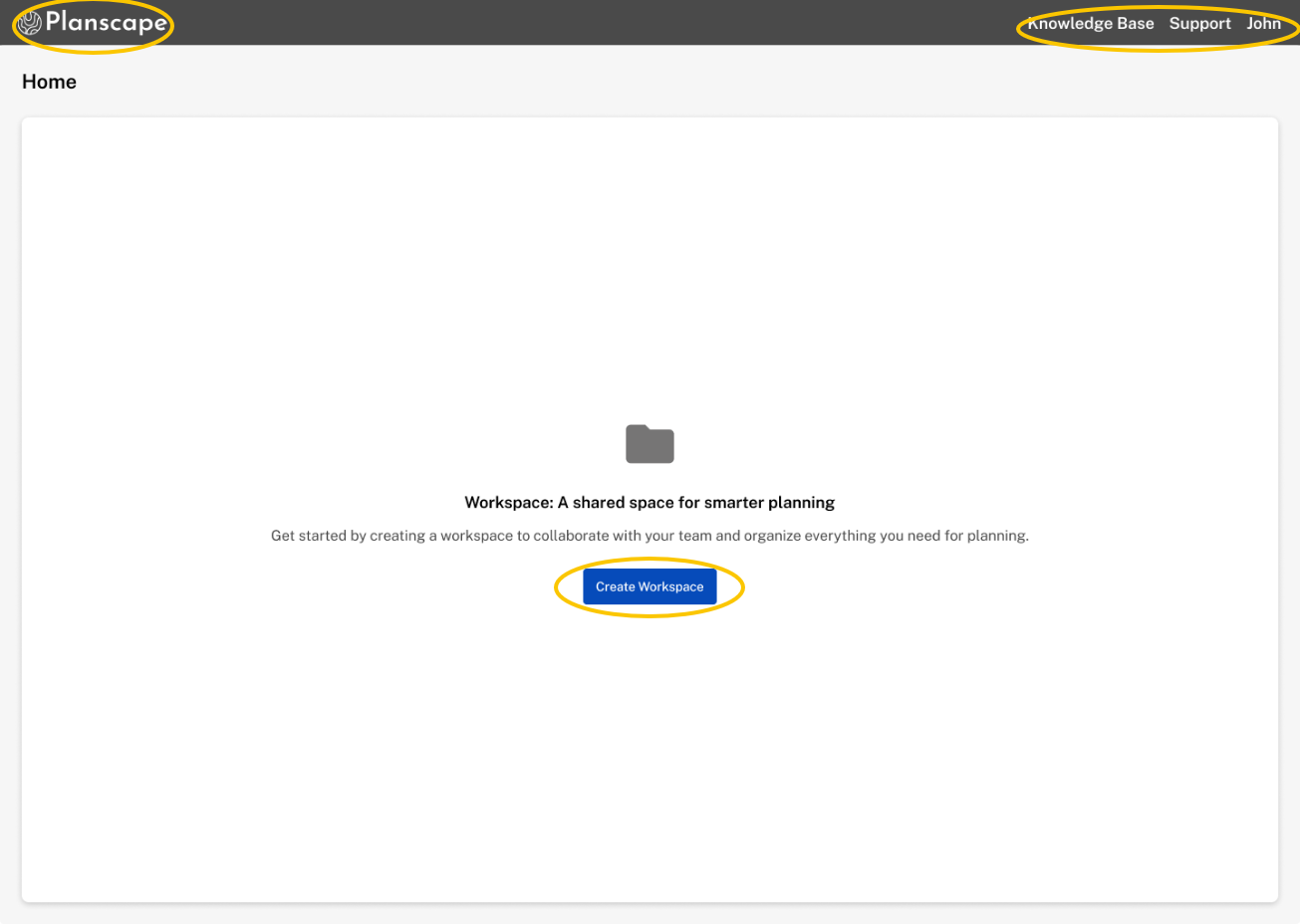
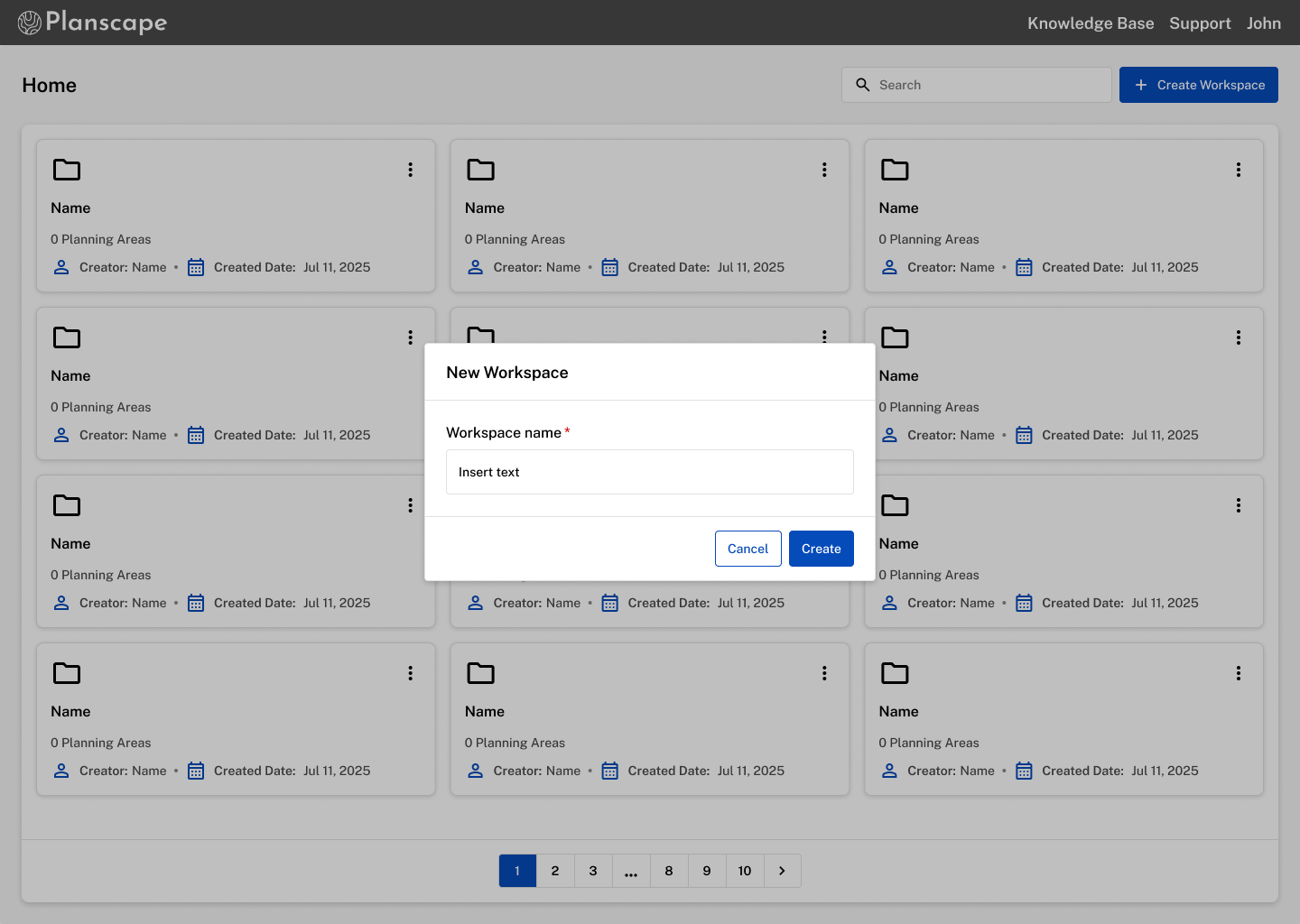
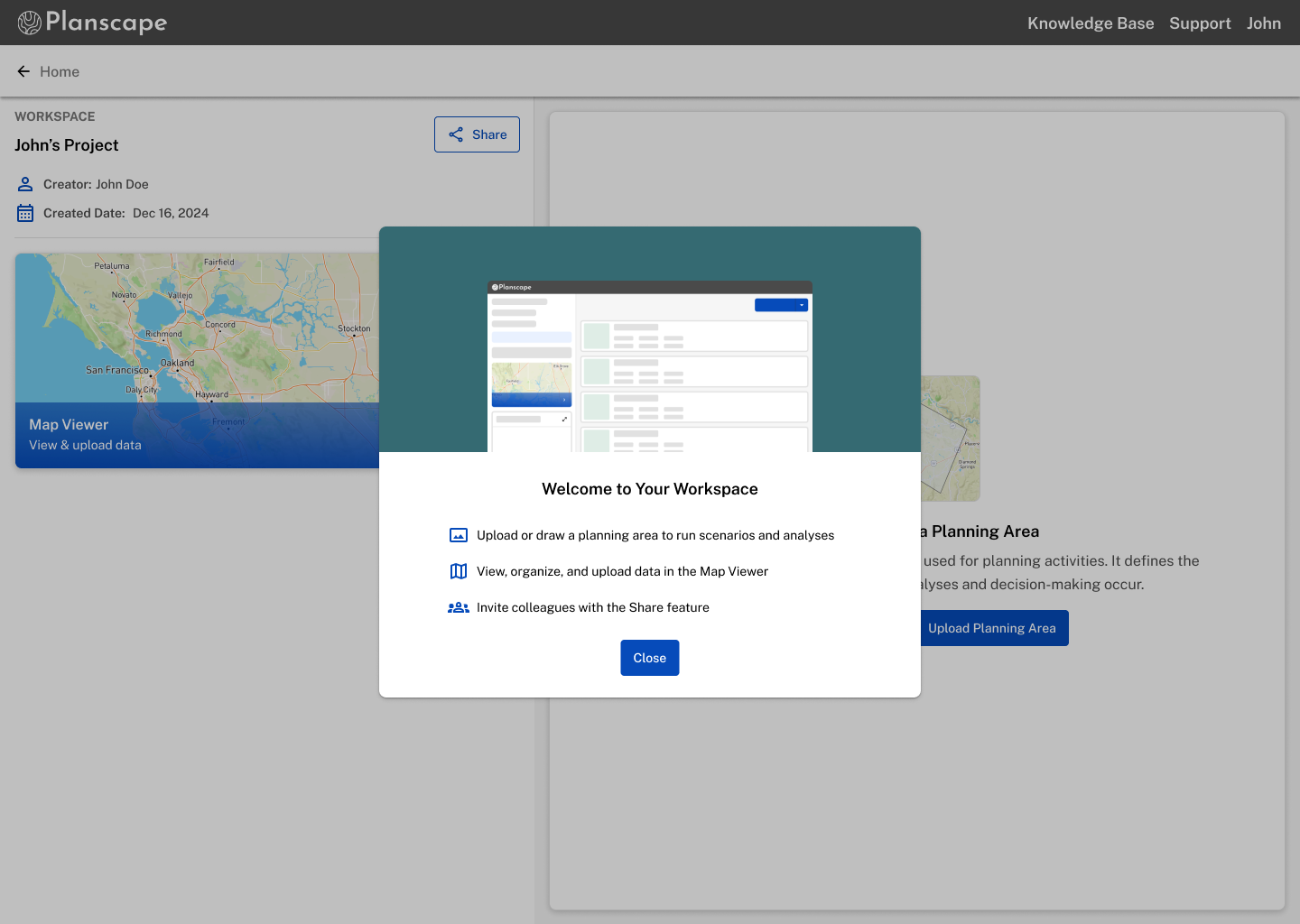
Once your account is set up, the first step is to create a Workspace to organize your analyses and planning areas.
Use the top navigation header for quick access to key resources at any time:
Knowledge Base: Browse documentation, guides, and workflow tutorials.
Support / Feedback: Submit user feedback or reach out for assistance.
Account Settings: Click your name in the upper-right corner to manage your profile and account details.
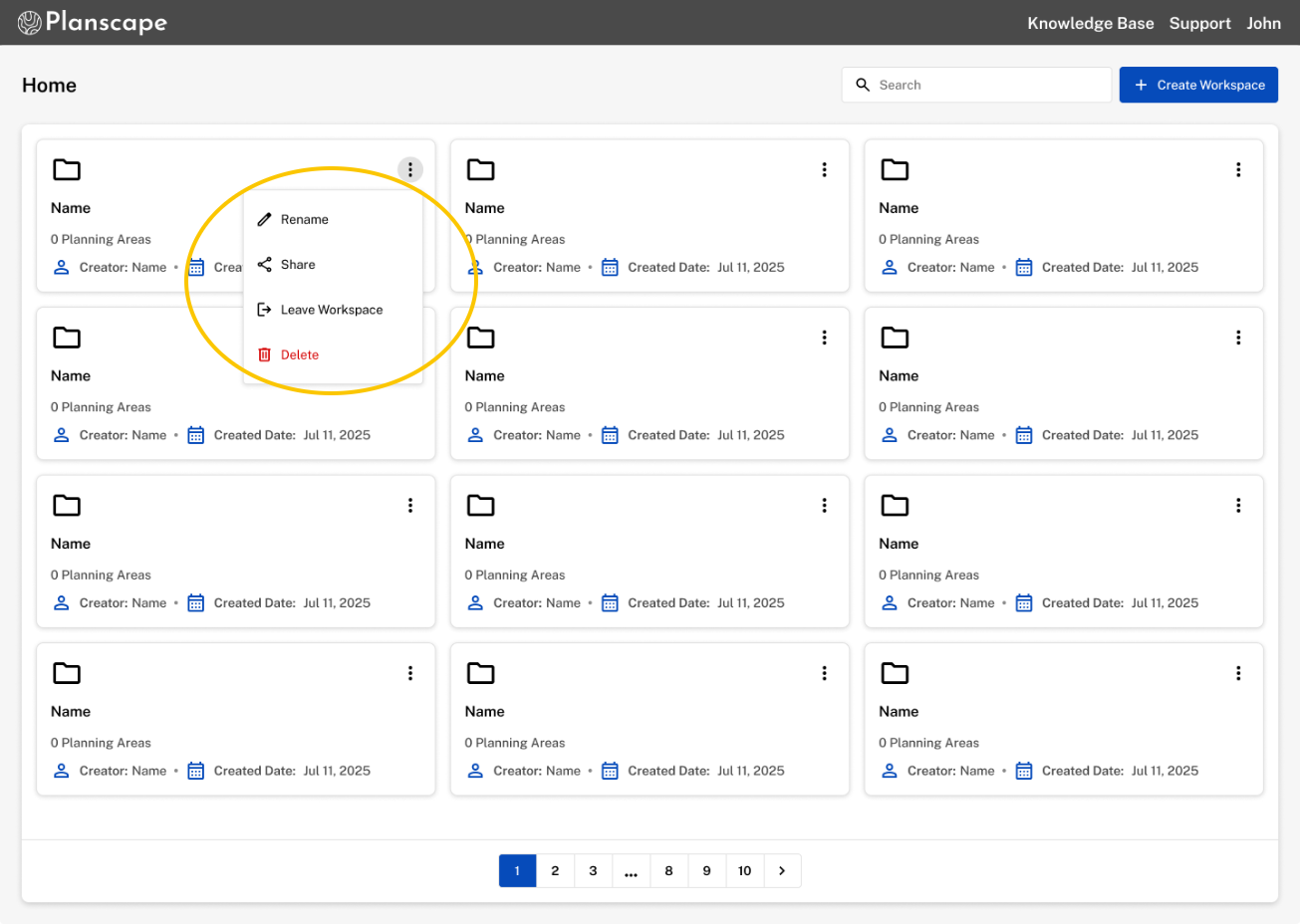
Manage your Workspace as a Creator or Owner. Click on the 3 dot menu where Workspace Owners and Creators are able to:
- Rename
- Share
- Leave or Delete
Was this article helpful?
That’s Great!
Thank you for your feedback
Sorry! We couldn't be helpful
Thank you for your feedback
Feedback sent
We appreciate your effort and will try to fix the article