Once you have drawn or uploaded a planning area you may now create a scenario within those boundaries.
Scenario: A scenario is created by identifying certain management objectives and constraints for a planning area. This information will then be fed into ForSys to generate project areas. A scenario can generate multiple project areas. Learn more about Forsys here.
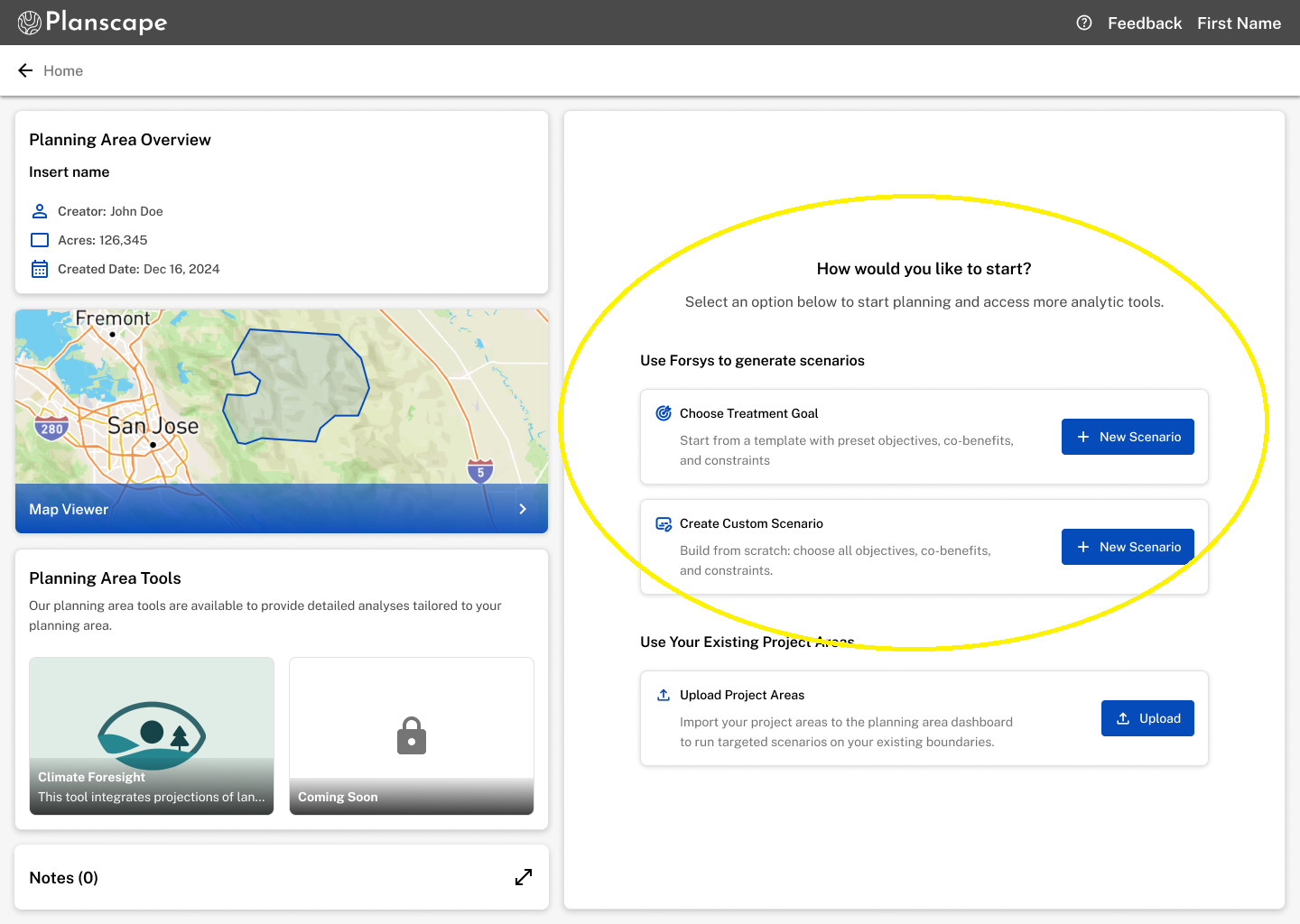
Choosing a treatment goal:
Choose a treatment goal based on your objective for treatment. Each goal includes different Priority Objects, Co-Benefits, and Thresholds aligned with the intent of your objective. ForSys uses these pre-selected parameters to generate project areas. You can only select one goal per run, but you can create as many scenarios as you like by choosing different goals and parameters each time.
Creating a custom scenario:
You can select 1 or 2 priority objectives to guide where ForSys will focus treatments. ForSys scores each stand relative to others for the selected metrics and combines those scores. Metrics with more stands with high relative values will have a stronger influence on the overall result.
You can create and save an unlimited amount of scenarios.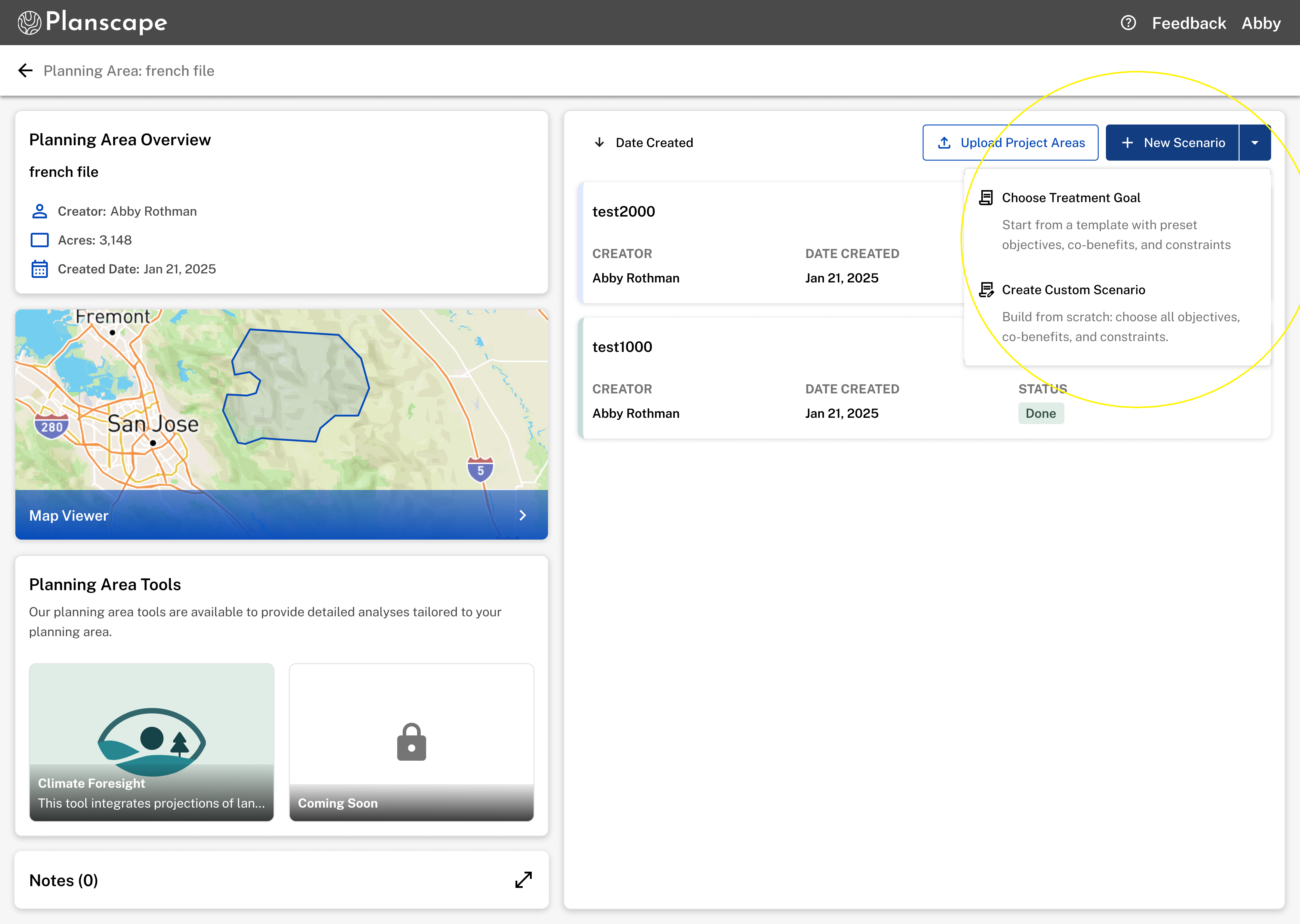
Was this article helpful?
That’s Great!
Thank you for your feedback
Sorry! We couldn't be helpful
Thank you for your feedback
Feedback sent
We appreciate your effort and will try to fix the article