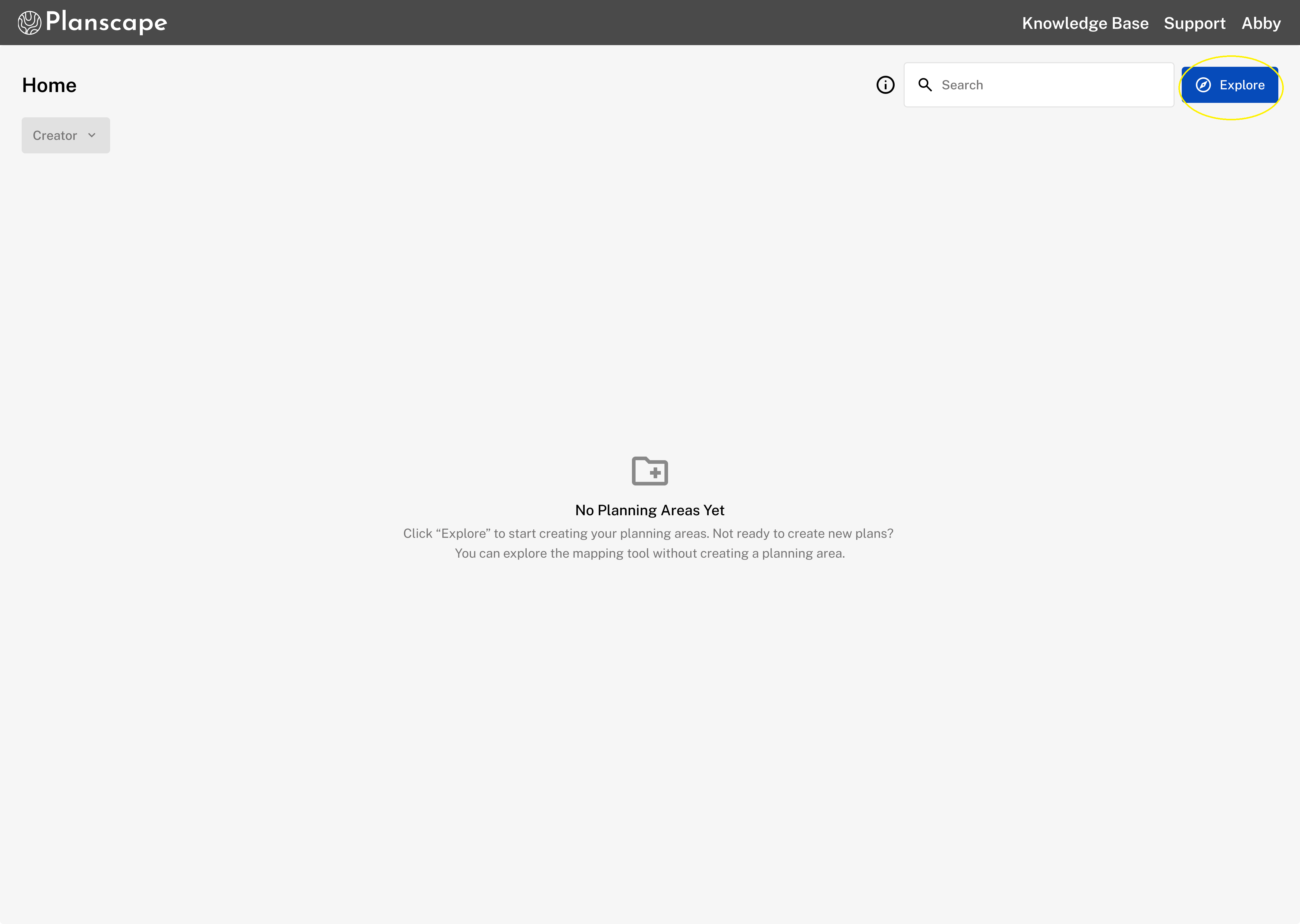
After you have created an account you will be taken to the Planscape Home page. Click the Explore button to get started. This will take you to the map viewer where you can upload or draw a planning area.
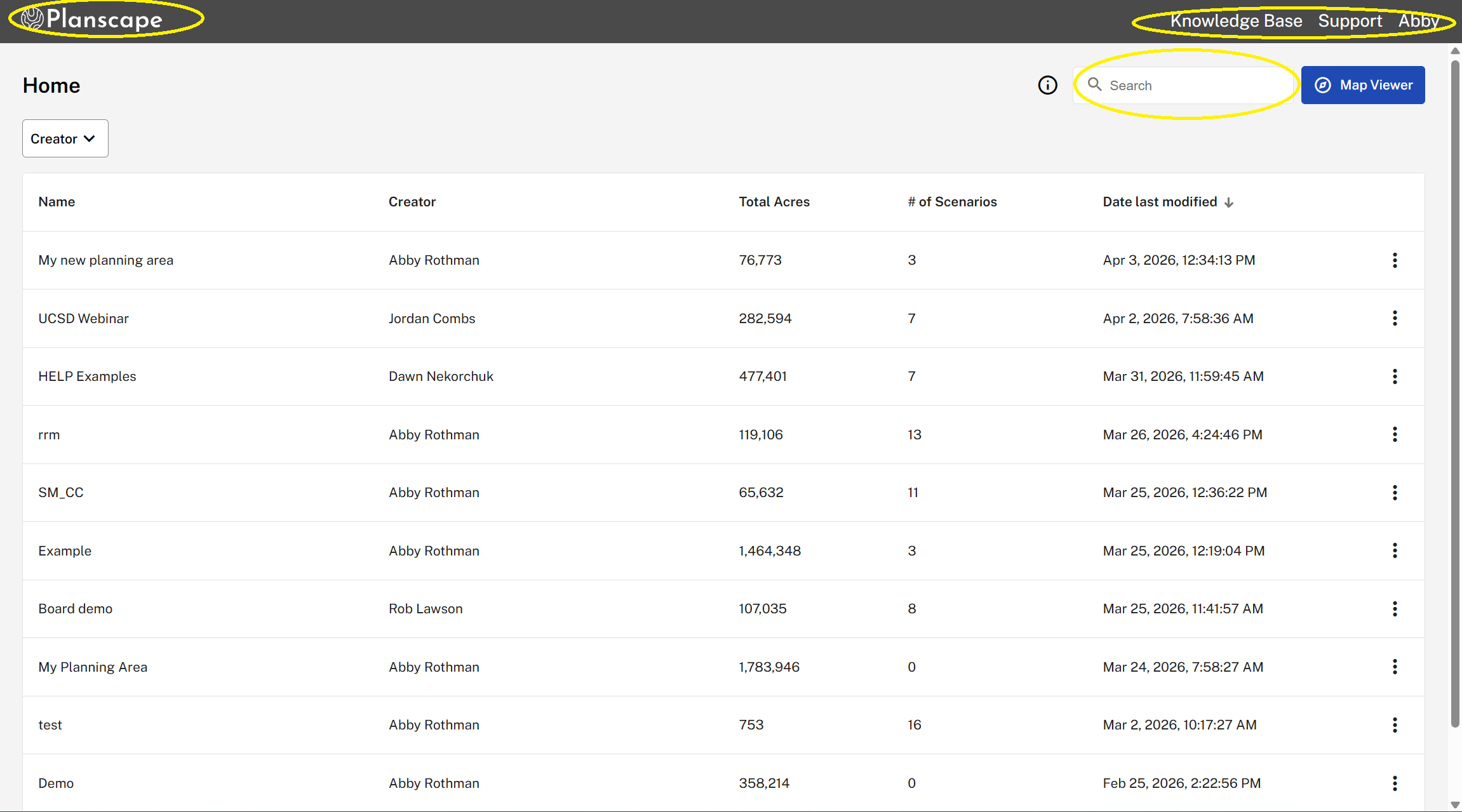
Home with planning areas added:
Findability: Use the search bar or filter by creator to quickly locate specific planning areas.
Navigation: Click the Planscape logo at any time to return to the Home page.
User Guidance: Select the Knowledge Base link to return to this site for all Planscape documentation.
Support: Select Support to report any bugs, issues, or feedback.
Account Management: Click your name to access and update your account settings.
Was this article helpful?
That’s Great!
Thank you for your feedback
Sorry! We couldn't be helpful
Thank you for your feedback
Feedback sent
We appreciate your effort and will try to fix the article