Planning area: Also referred to as an area of interest (AOI), this is an area of hundreds to millions of acres in which project areas are defined.
You can draw or upload your planning area on the map using tools located on the far-right of the control bar.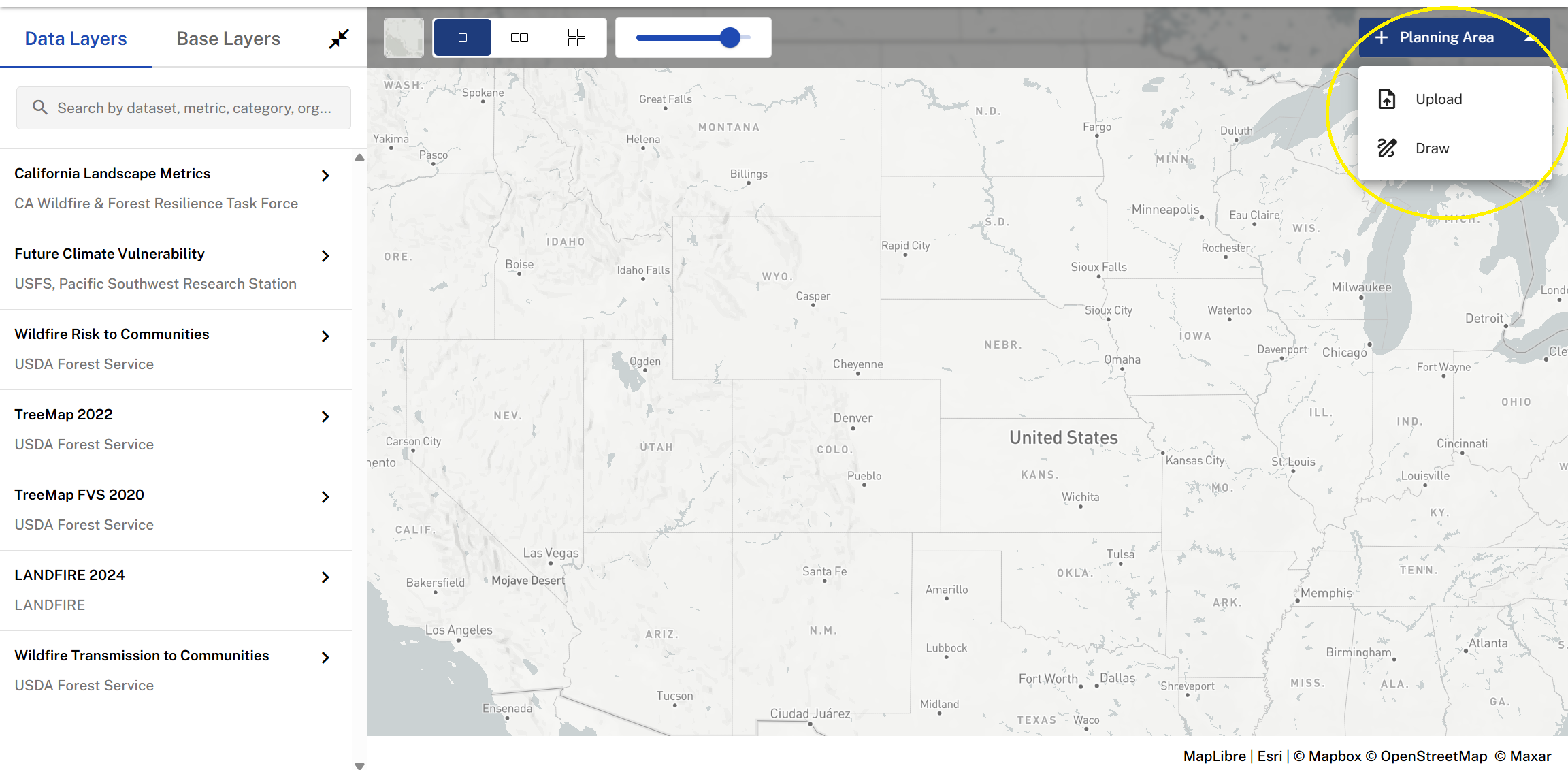
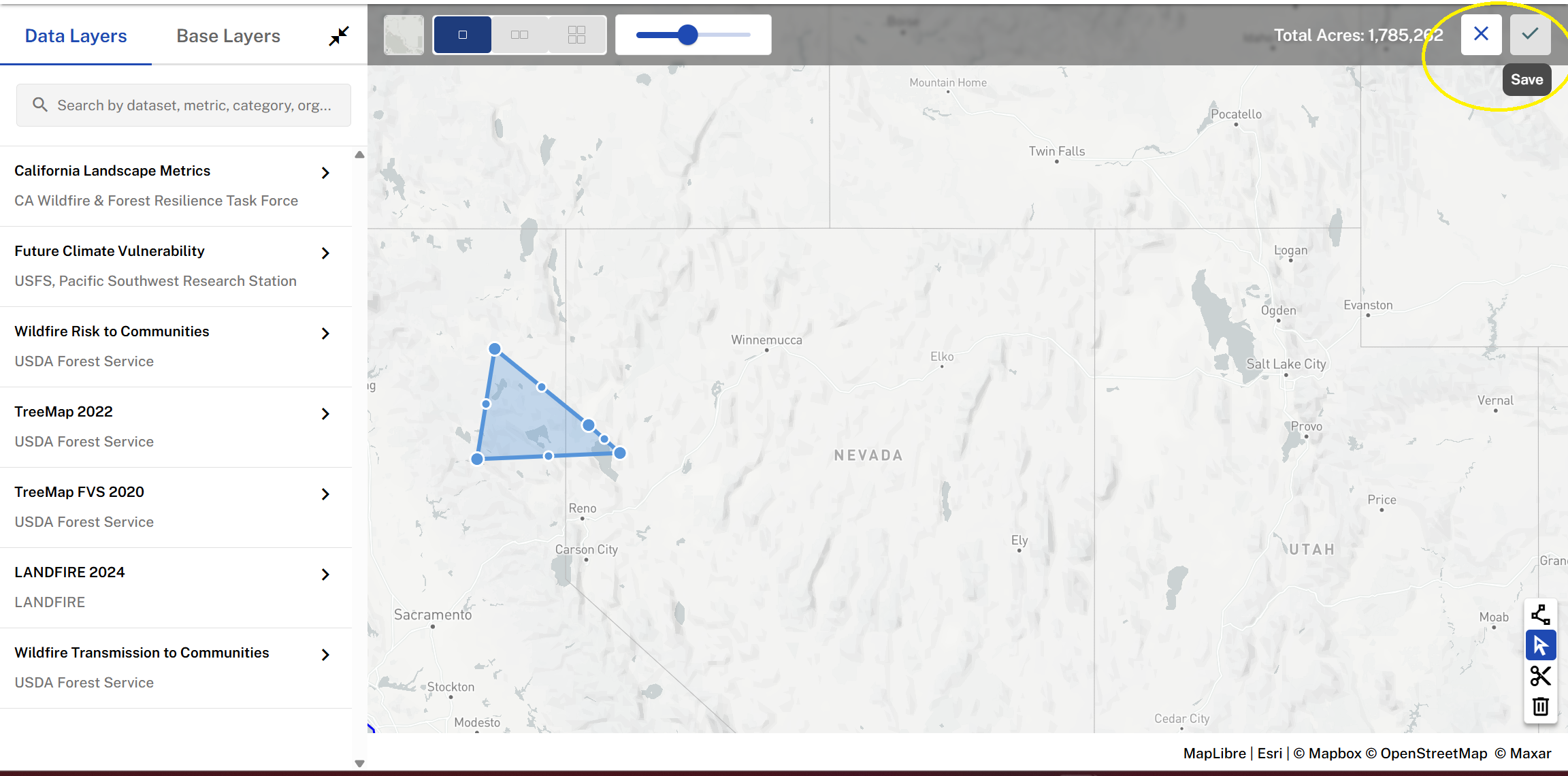
Draw a planning area. Select the draw function highlighted above and choose an area on the map to point and select your planning area, click the check mark to save, or the X to discard and redraw.
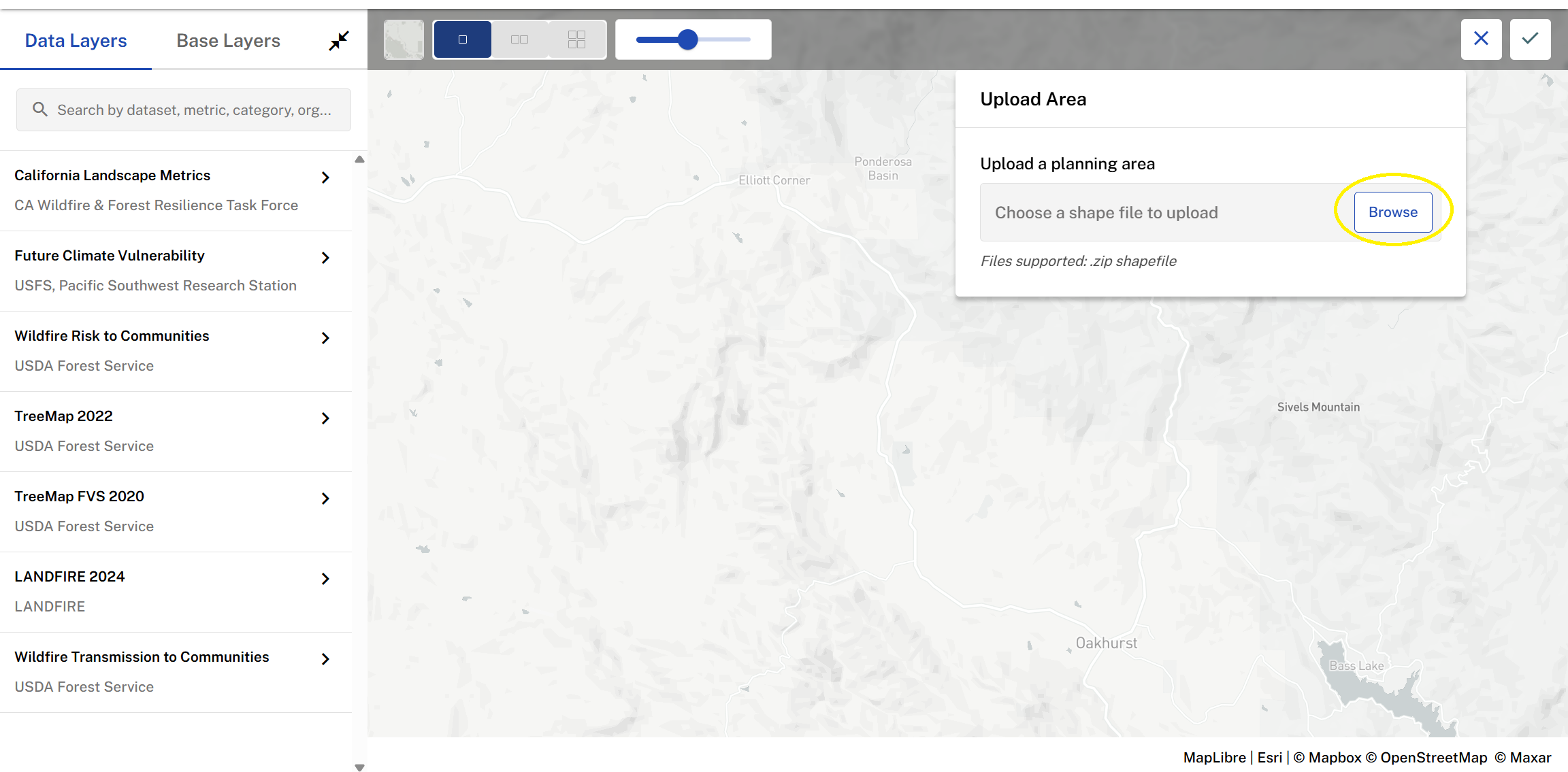
Upload your planning area. Select the upload function highlighted above, browse your files and select a zip shapefile. Click the check mark to save, or the X to discard and redraw.
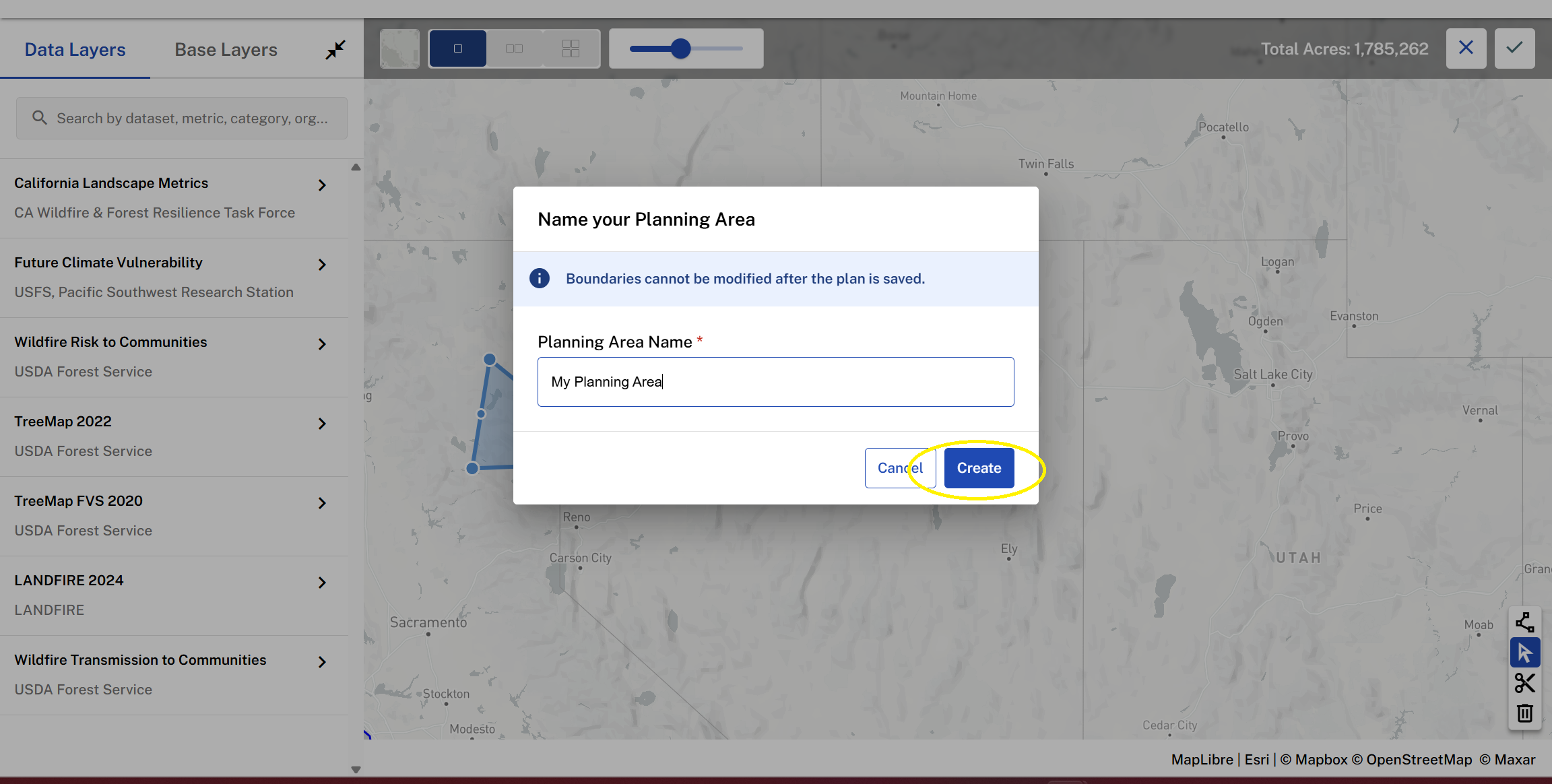
Once you hit the save check mark, name your planning area and select create.
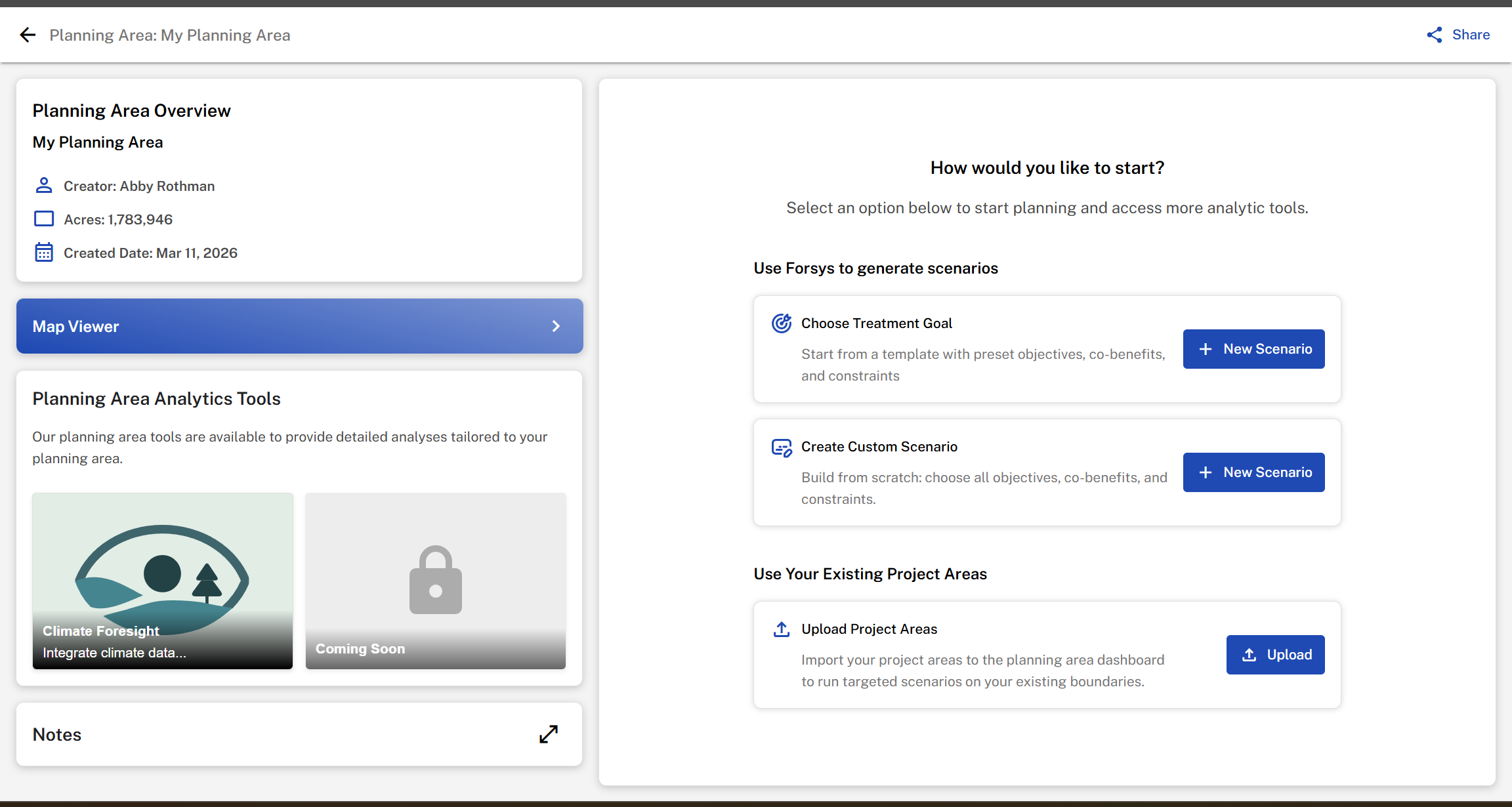
Your planning area will then be created and you will be directed to your new planning area overview page, where you can continue planning with scenarios, project areas, and planning area tools.
Was this article helpful?
That’s Great!
Thank you for your feedback
Sorry! We couldn't be helpful
Thank you for your feedback
Feedback sent
We appreciate your effort and will try to fix the article