Project Areas: Boundaries within a planning area that define where treatments may be applied.
Upload your previously defined project areas that are within the planning area boudary.
- Files supported: zip archive must contain DPF, SHP, SPX, CPG, PRJ files.
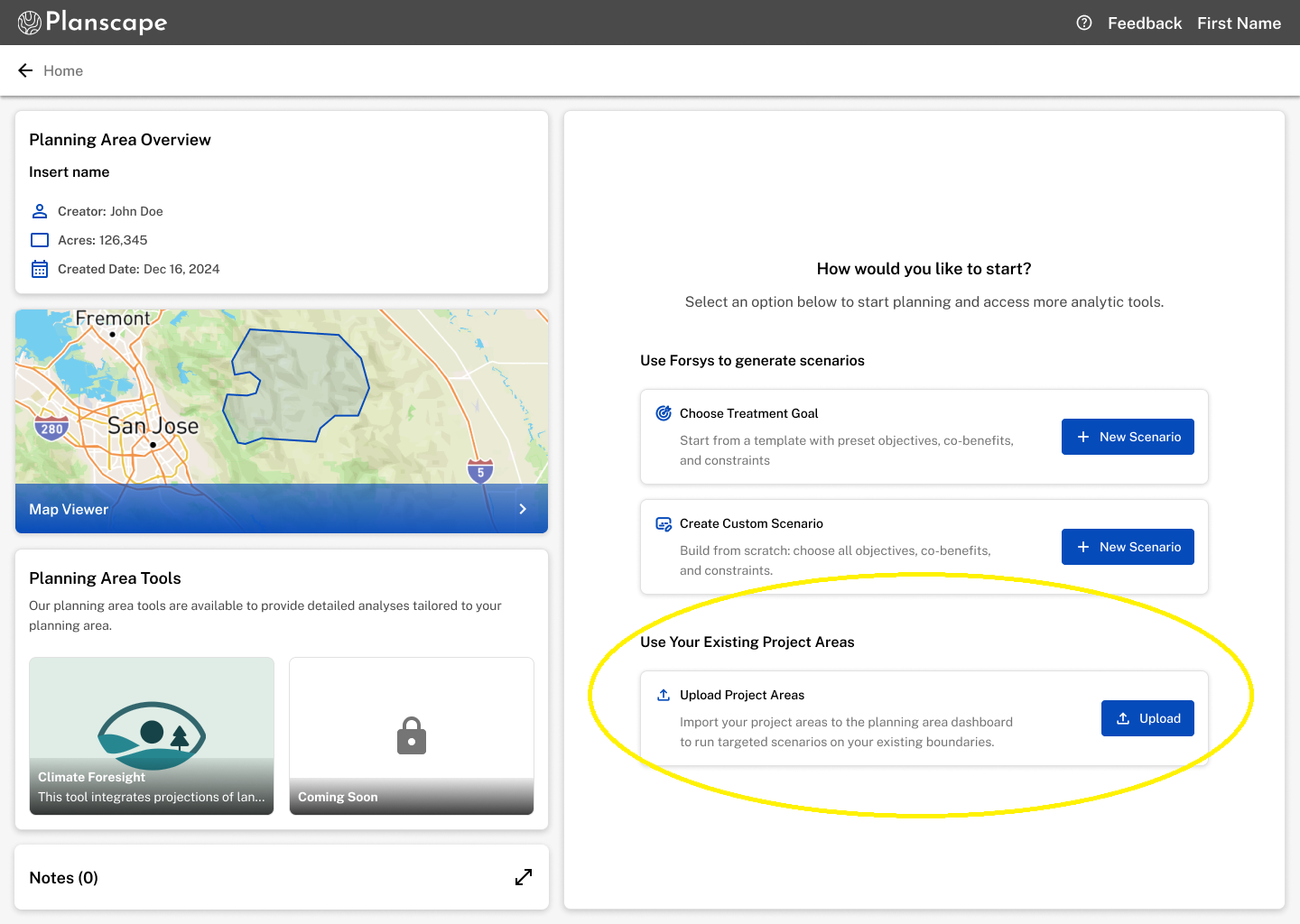
You may upload as many project area files as you need for your planning purposes.
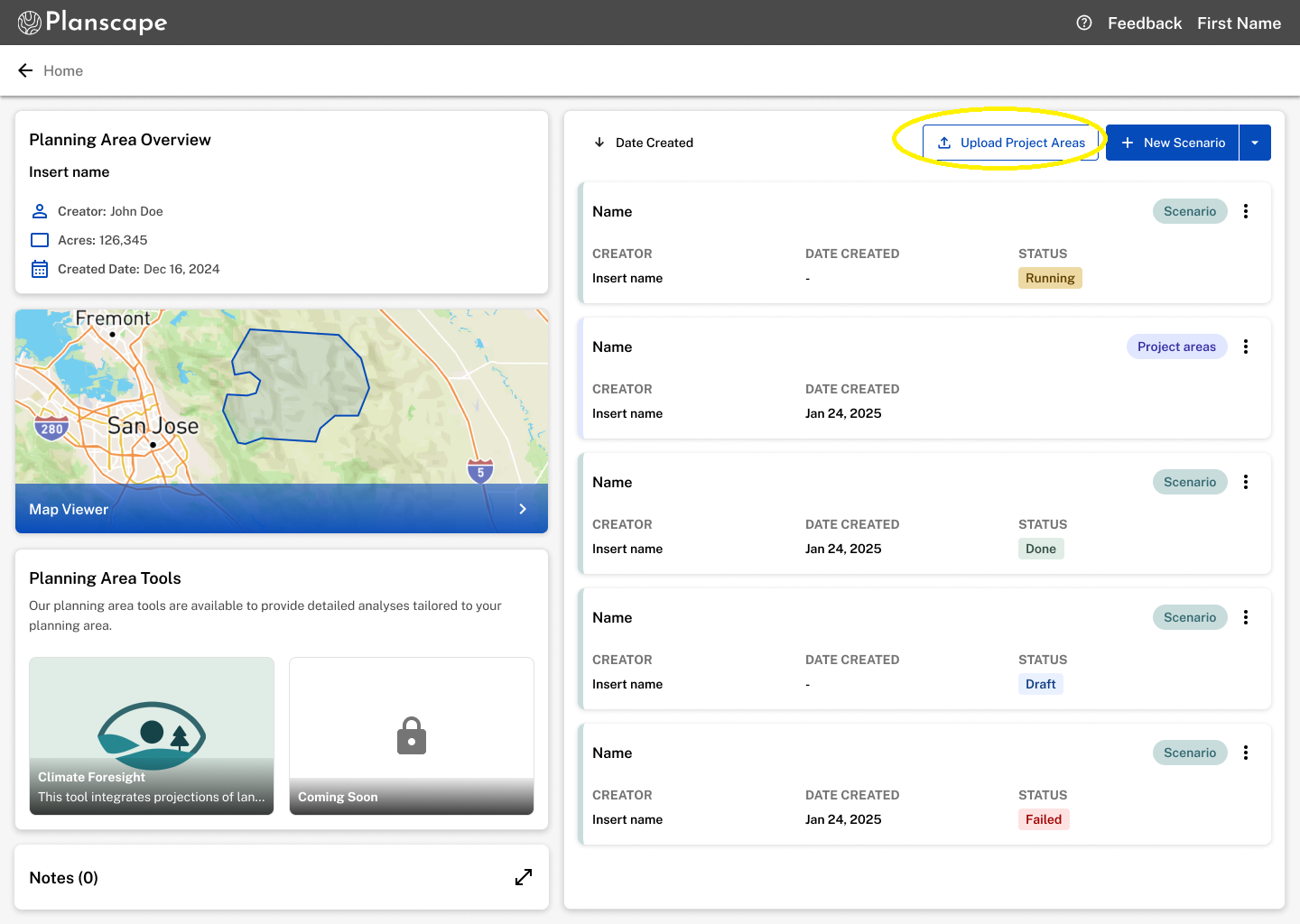
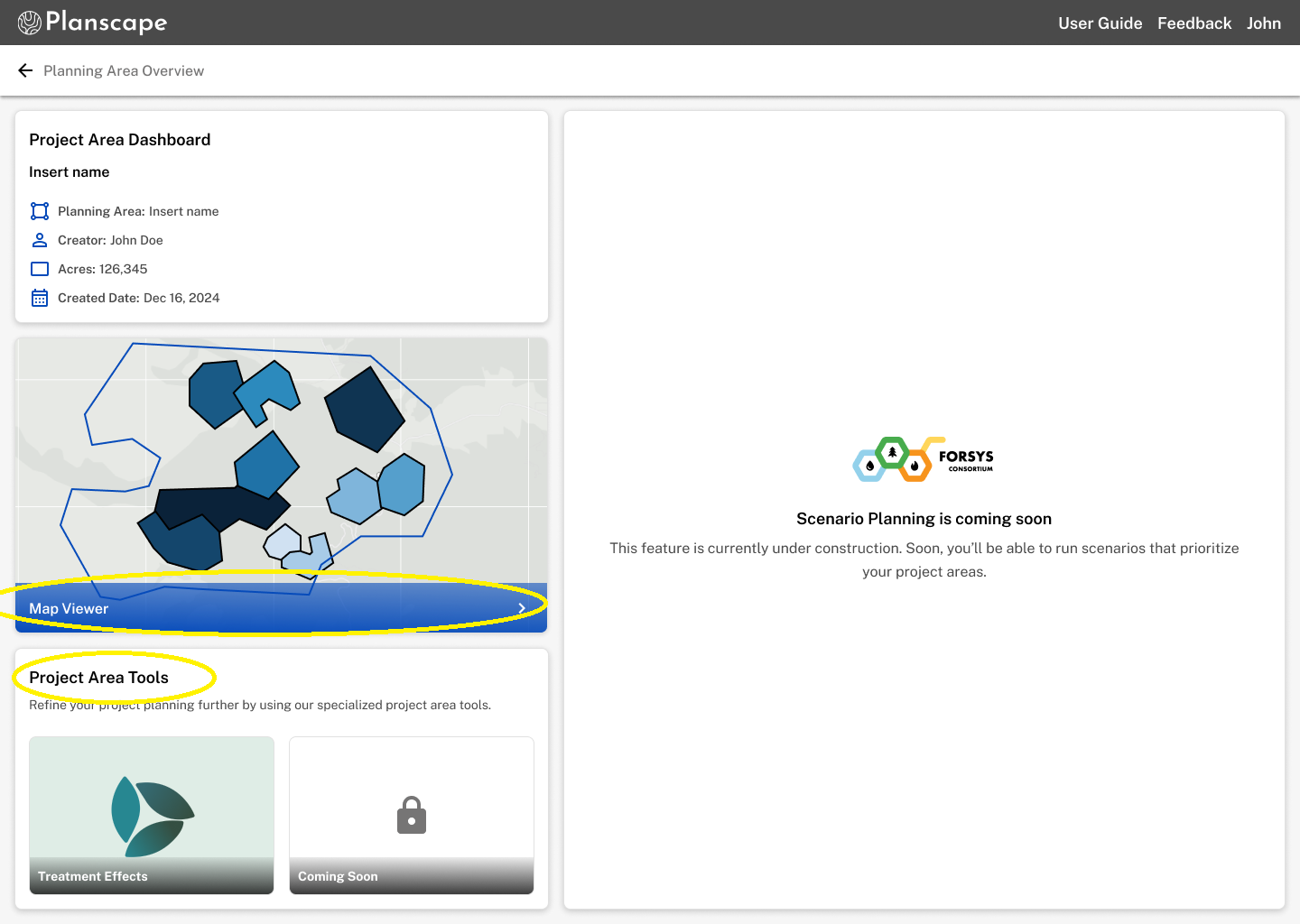
Once you have uploaded your project ares you can click into the card and you will see your new project area dashboard page. Here you have access to project area specific analytic tools, and the ability to view your project areas on the Map Viewer.
Was this article helpful?
That’s Great!
Thank you for your feedback
Sorry! We couldn't be helpful
Thank you for your feedback
Feedback sent
We appreciate your effort and will try to fix the article