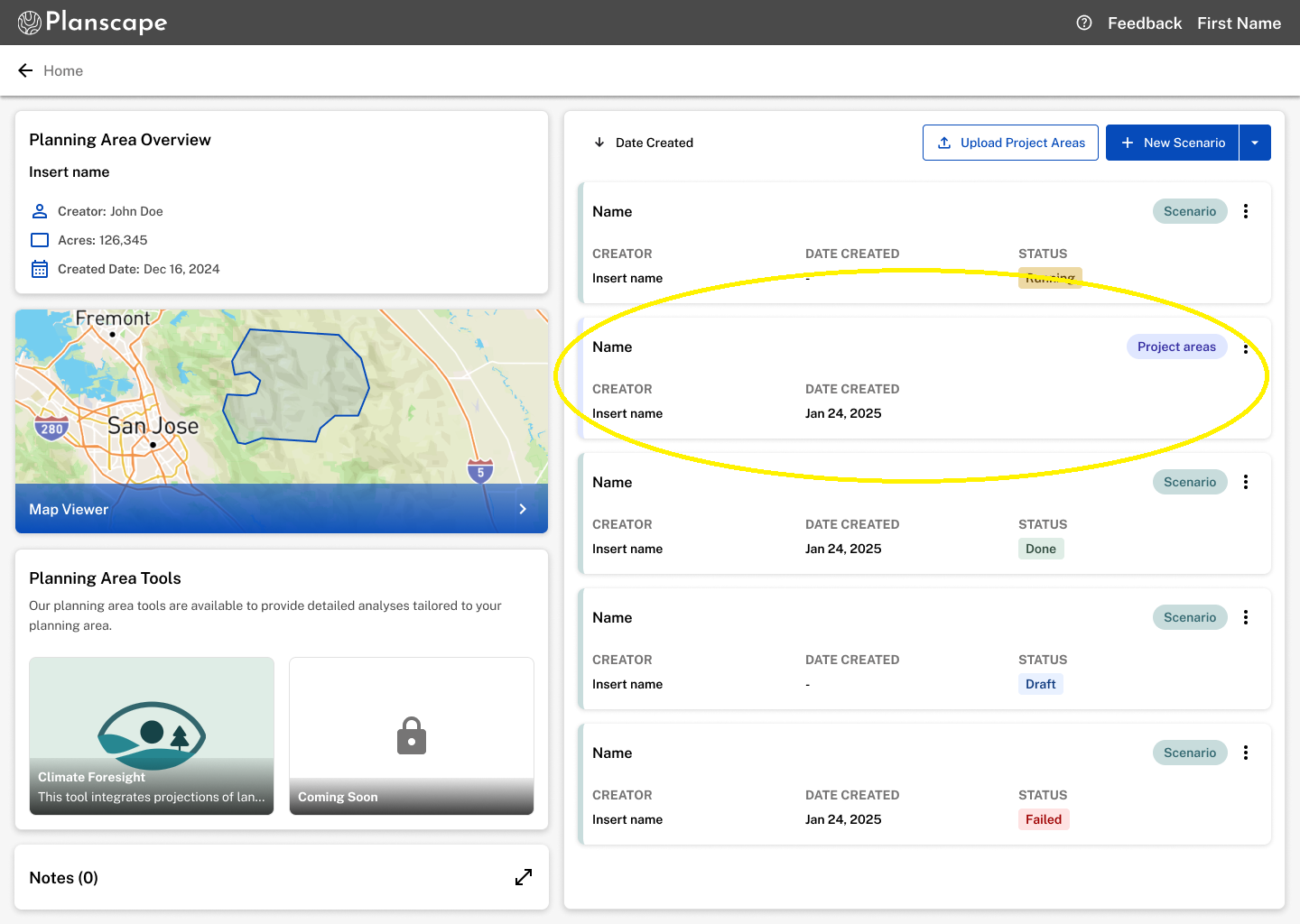
Every project area file you upload appears as a card on your planning area overview page. Feel free to upload as many as you need and you can sort them by date for easy access.
Clicking on the project area card will take you to the project area dashboard page where you can view your shapefile and continue planning on project area tools.
The project area card displays the following:
- Creator: The person that uploaded the project areas.
- Date Created: The date the upload occured.
- Name: The name the creator added during the upload process.
- Project Area Tag: This helps you define whether your project areas are a result of an upload or a scenario ran in Planscape.
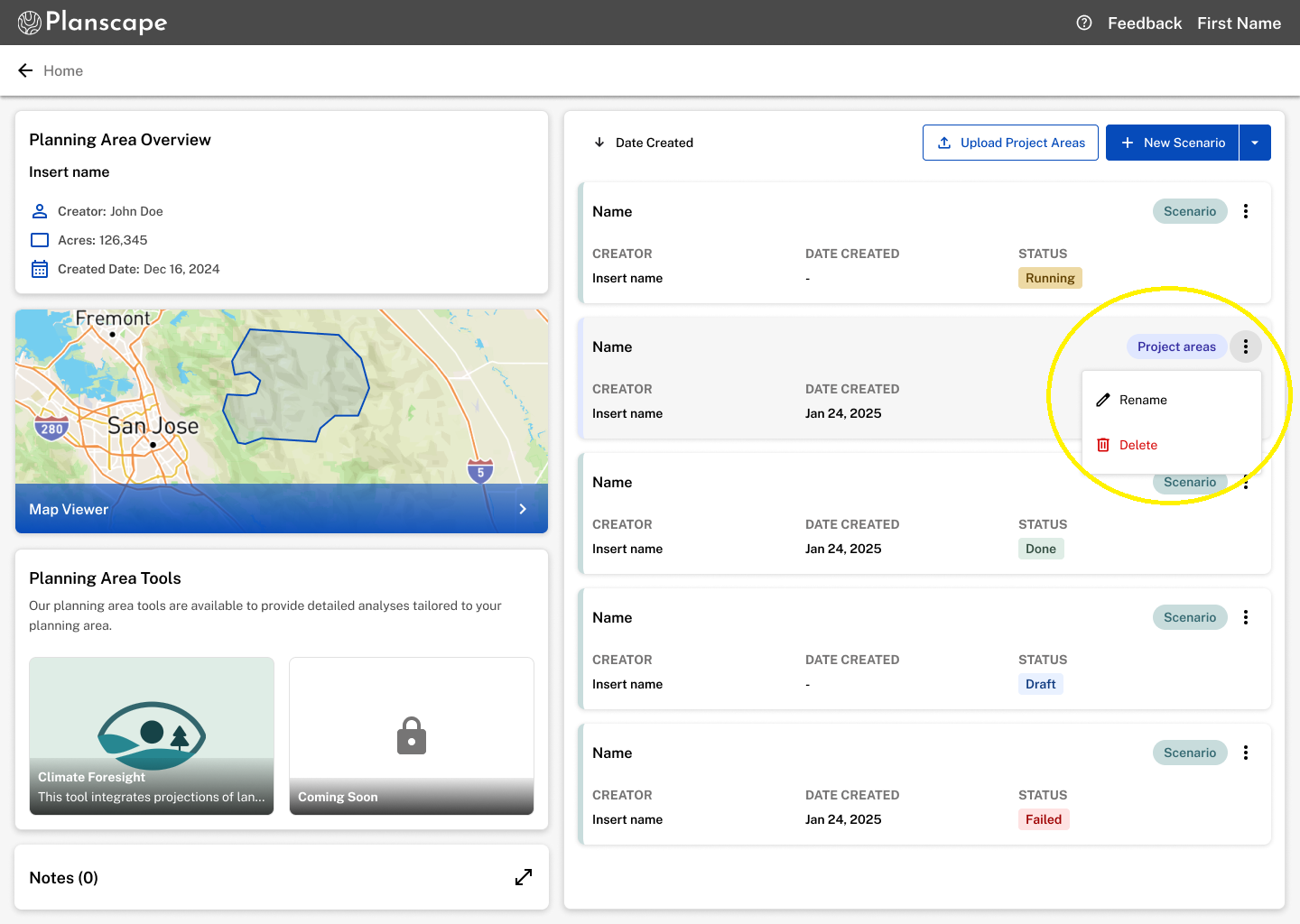
Use the three-dot menu to manage your project areas:
Rename: Update the project area title.
Delete: Permanently remove the project area file.
Was this article helpful?
That’s Great!
Thank you for your feedback
Sorry! We couldn't be helpful
Thank you for your feedback
Feedback sent
We appreciate your effort and will try to fix the article