Select or create a planning area.
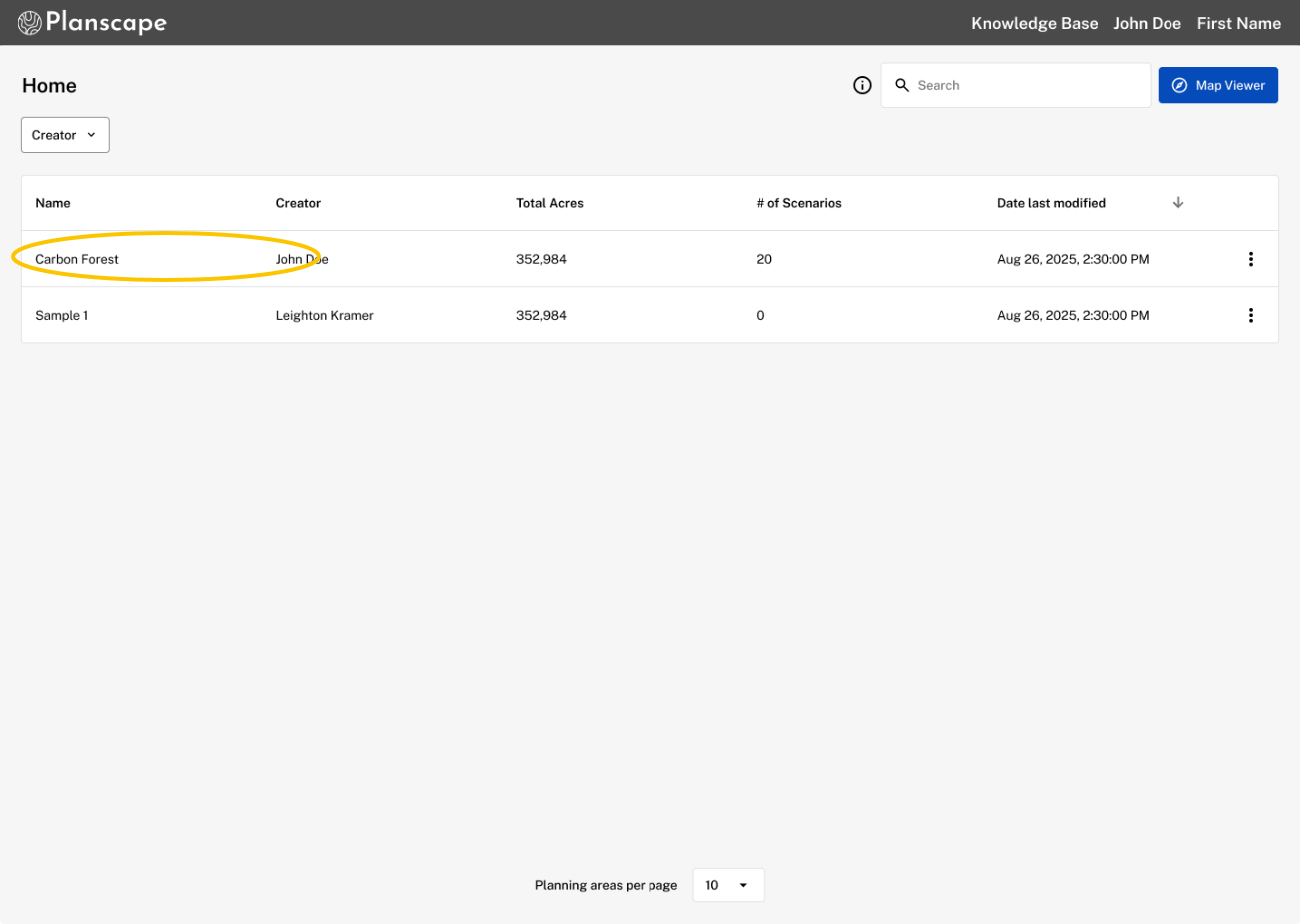
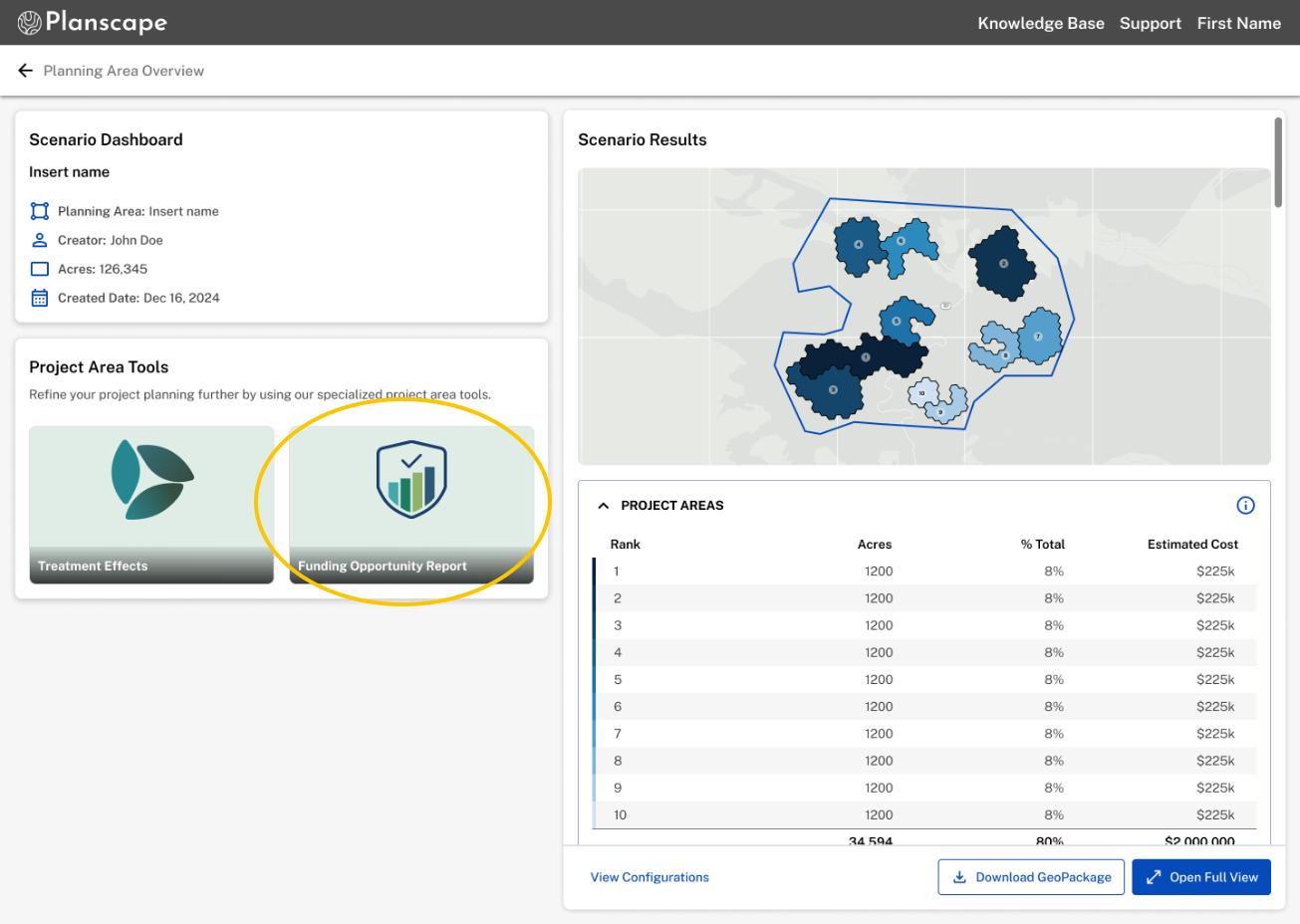
Open your Scenario Dashboard or Project Area Dashboard and click on the card.
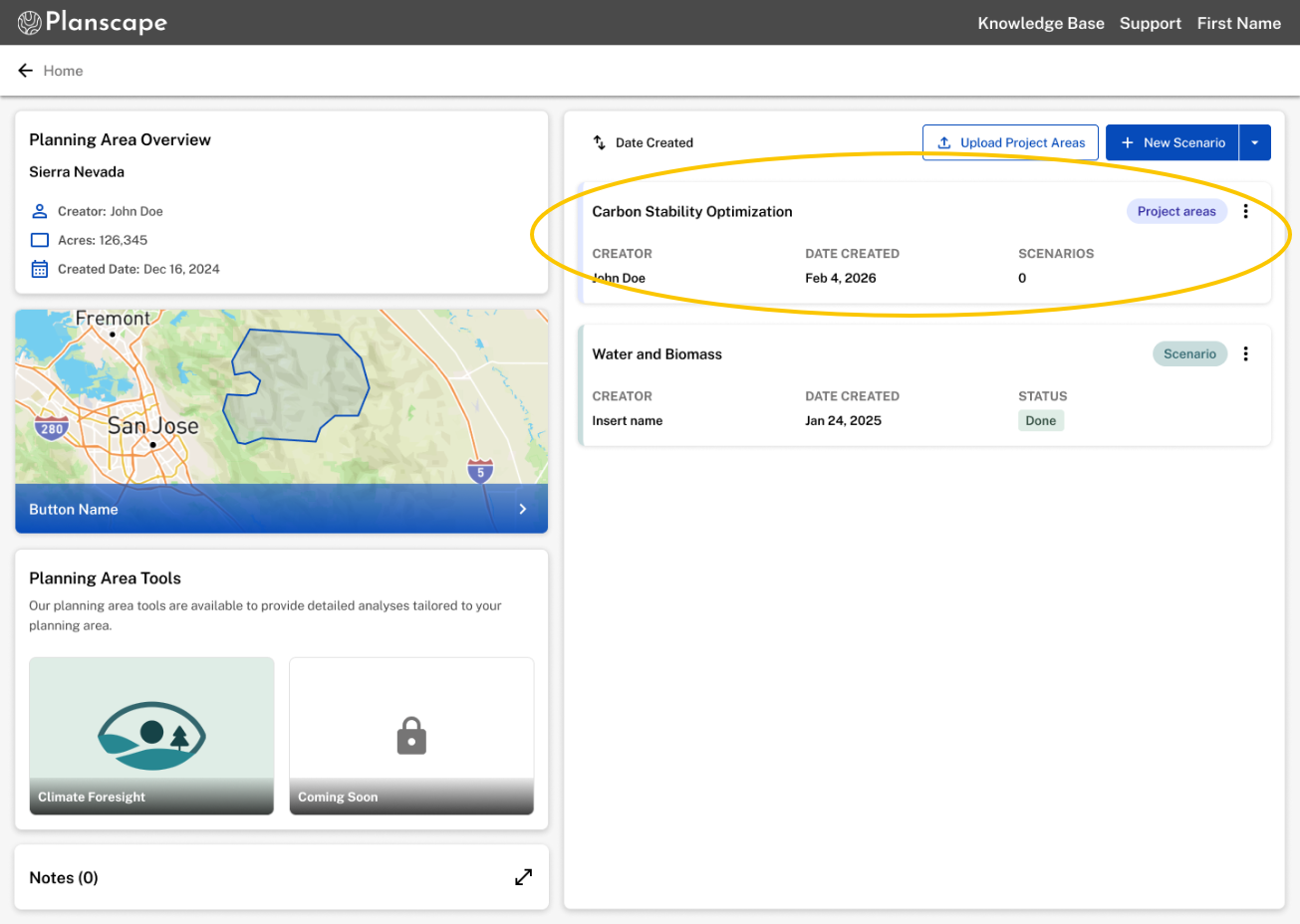
Click the Funding button, review your planning area metadata. If you are working with an uploaded project area, confirm the boundaries before proceeding.
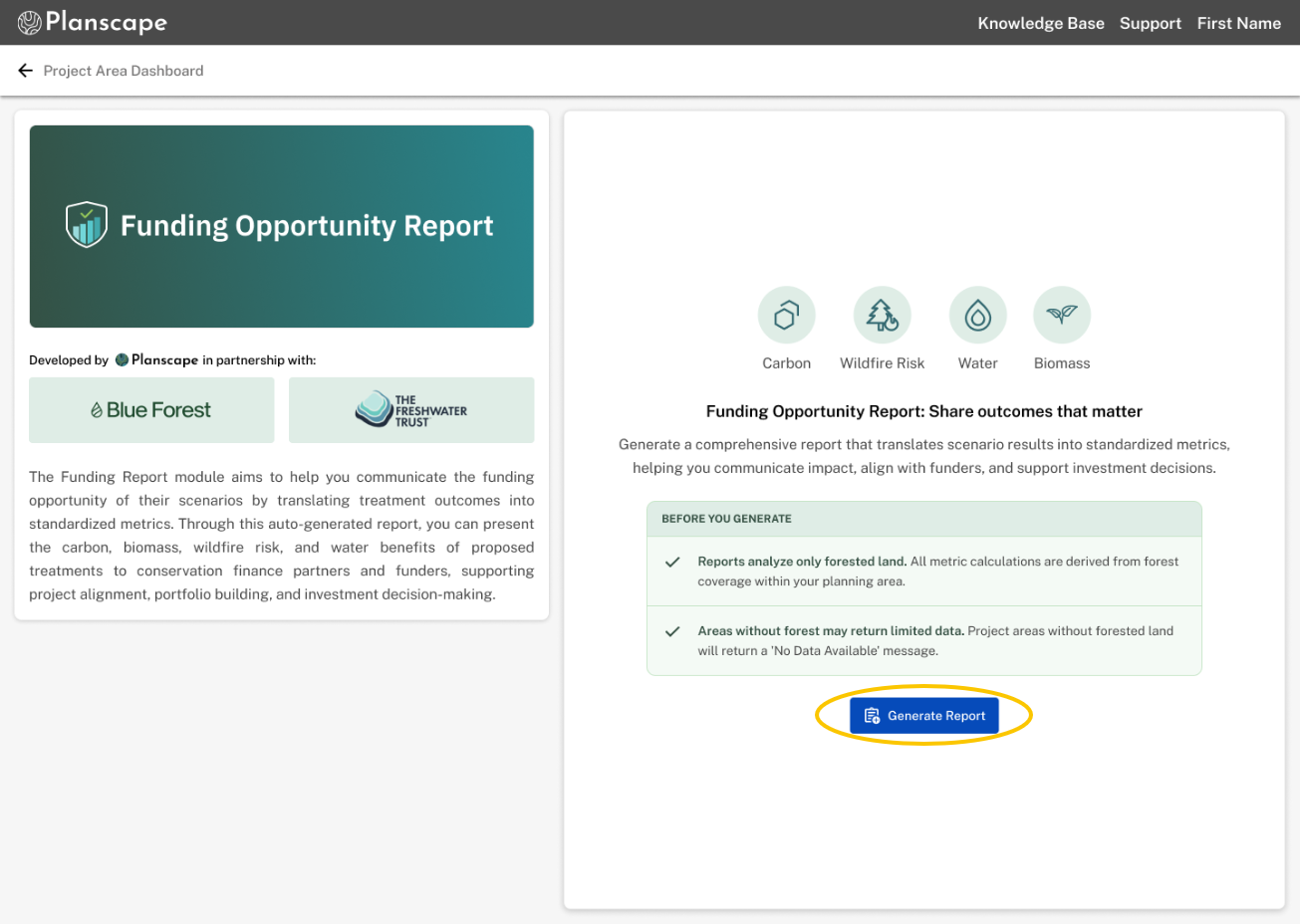
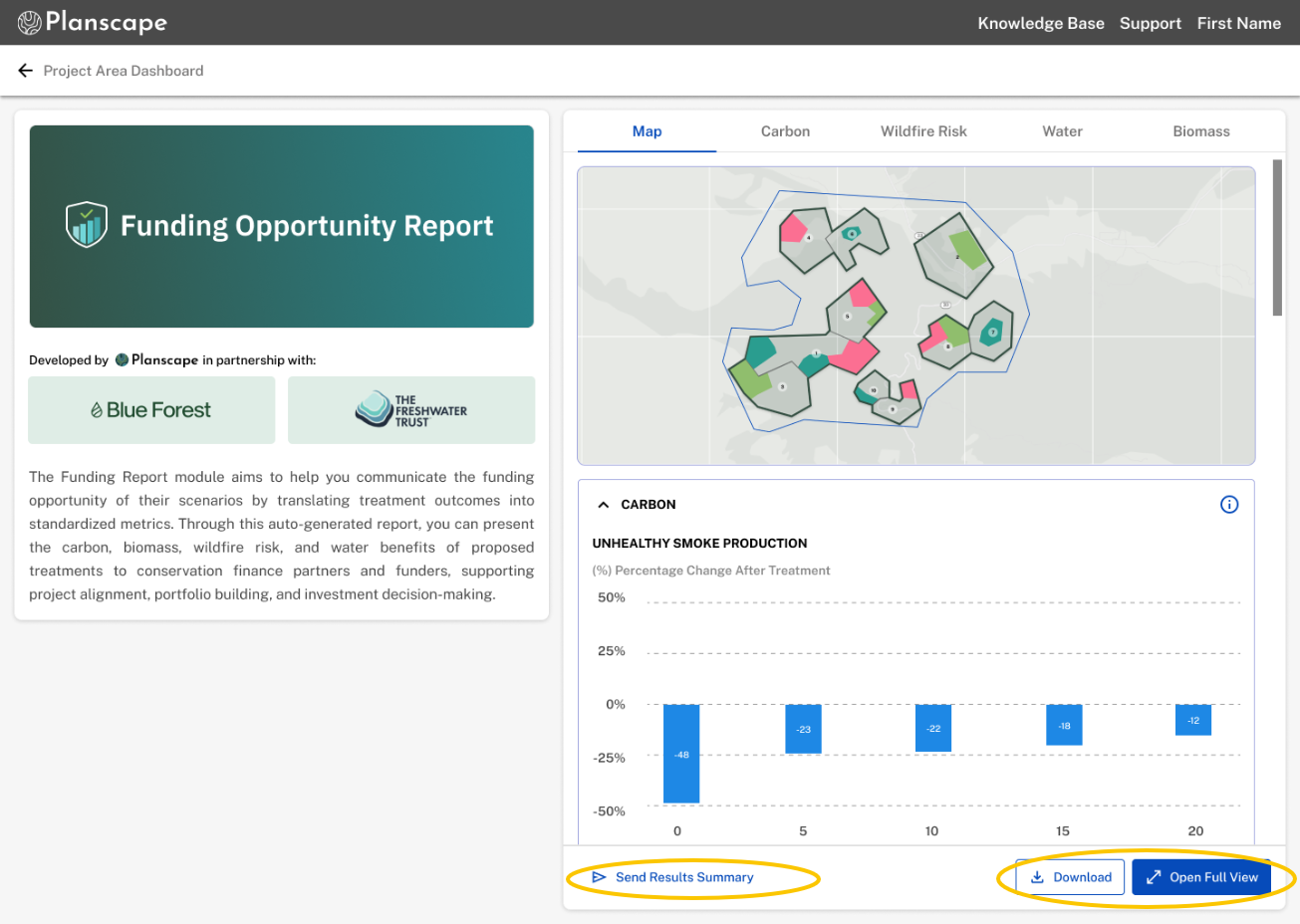
Run & Share:1-click generation.
Click "Open Full View". Use the vertical scrolling dashboard to review the map layers and metrics, then use the download panel to export your PDF, Geopackage, or shareable web link.
Was this article helpful?
That’s Great!
Thank you for your feedback
Sorry! We couldn't be helpful
Thank you for your feedback
Feedback sent
We appreciate your effort and will try to fix the article